
NATIVE MAC SCREENSHOT & RECORDING TOOL
Capture your screen.
Keep the useful part.
Shotloom brings screenshots, scrolling capture, OCR and screen recording into one local Mac workflow.
Scrolling screenshots, in four directions
Select a region or window and scroll the source yourself. Shotloom captures and stitches long content upward, downward, left or right. Preview the result, undo a segment, then export an image, paginated PDF or tiled PNG files. The first Mac App Store version uses manual scrolling and does not request Accessibility access. Dynamic pages and fixed headers can require adjustments.
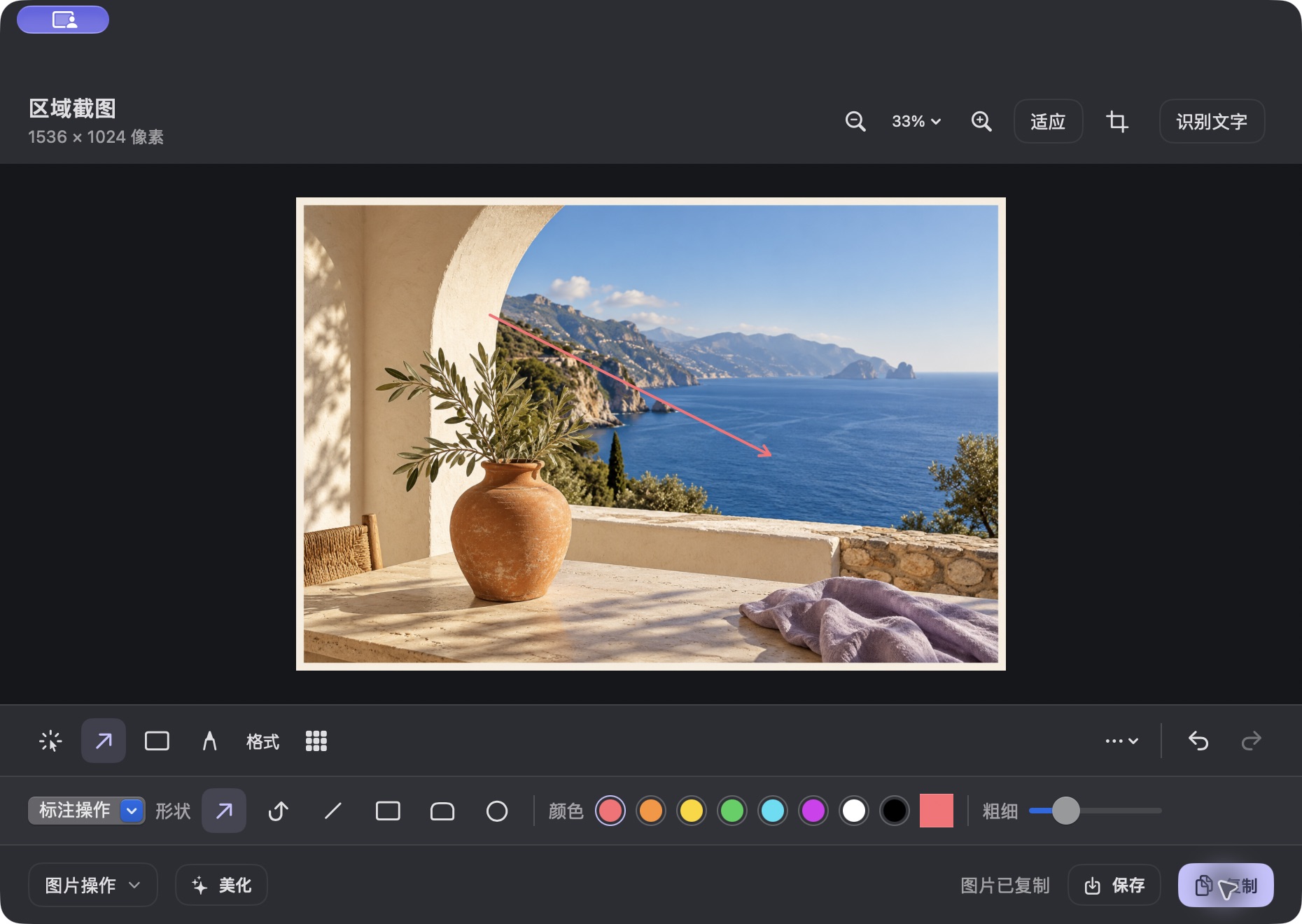
Annotate, redact and beautify screenshots
Capture a region, window or screen. Explain details with arrows, text, shapes and highlights; cover information with mosaic redactions. Add backgrounds, rounded corners, padding and watermarks. Copy the result, save it, or reopen local history to continue editing.
Extract text from images with OCR
Recognize text in screenshots and images on your Mac. Compare the recognized text with its position in the image and correct mistakes before using it in documents or messages. Sensitive information suggestions require human review before sharing.
Record your screen, voice and webcam
Record screen content with optional system audio, microphone audio and camera picture-in-picture. Trim recordings, adjust the canvas, add a background or watermark, and work with captions before export. Screen recording, microphone and camera features require their respective macOS permissions.
Turn repeated edits into a local workflow
Combine resizing, cropping, rotation, watermarks, image backgrounds and text extraction. Choose preview, copy or save as the output. Workflows that review sensitive content wait for your confirmation.
Availability and privacy
The first Mac App Store release is being prepared; an official download is not available yet. Requires an Apple Silicon Mac with macOS 15 or later. The upcoming release supports English and Simplified Chinese, follows your system language, and falls back to English for other languages. Basic capture and editing require no app account. Captures, recordings and edits stay on your Mac. Optional speech transcription may need a model download and an internet connection.